
People counting for local government
People counting for libraries and council facilities
People counting for councils and libraries gives a consistent visitor number for every facility, which is what annual reports, service reviews and opening-hours decisions rely on. CountIQ counts visitors with compatible Axis cameras and sends scheduled reports to the people who need them.
Why councils count visitors
Visitor numbers are a reporting requirement
Libraries and community facilities report visits to council and to funding bodies. Automatic counts replace clicker tallies and estimates.
Opening hours and staffing
Hourly counts show when each branch is used, which is the evidence for changing opening hours or moving staff between branches.
Showing what a facility delivers
Visitor trends before and after a refurbishment or a new program show whether it changed how the community uses the building.
What to measure
The same counts answer questions from branch staff, managers and councillors.
| Metric | What it tells you | Decision it supports |
|---|---|---|
| Visits per day, month and year | The figure annual reporting asks for | Funding returns and annual reports |
| Visits by hour | When the facility is used | Opening hours and rosters |
| Branch comparison | Which facilities are growing or declining | Service reviews and capital works |
| Program and event days | The uplift a program brings | Program planning |
| Live occupancy | How many people are in the building | Capacity and safety |
How CountIQ counts
- Step 1
Count at the entrance
Compatible Axis cameras count people crossing configured entrance and exit lines. Detection and counting run on the camera.
- Step 2
Bring every site together
Count data is sent to CountIQ in the cloud, where dashboards show activity and occupancy by site and zone.
- Step 3
Alert and report
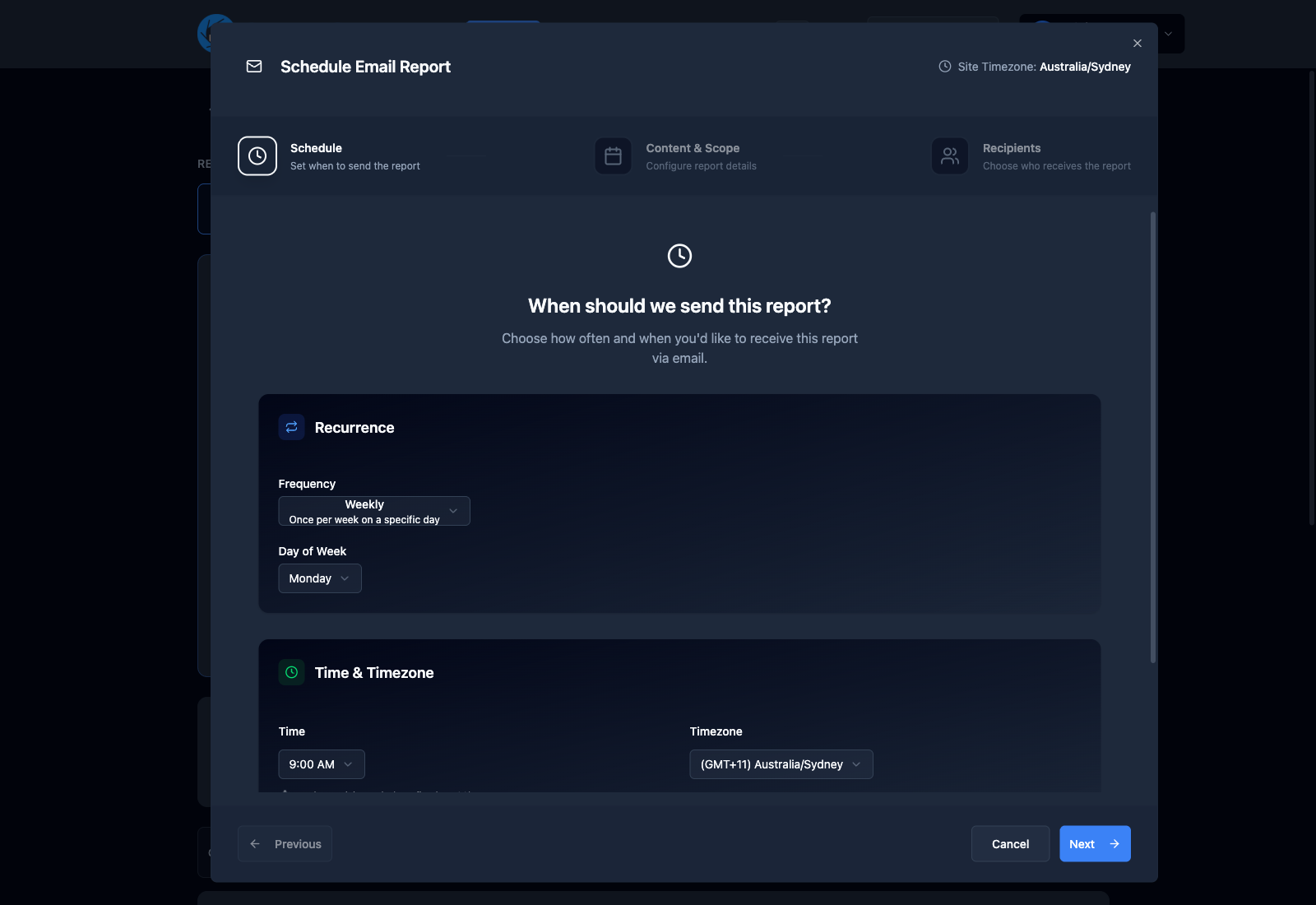
Set occupancy thresholds, receive alerts and schedule reports so the right people get the numbers without asking.
Read more about how people counting systems work or see the CountIQ people counting software in detail. Planning a purchase? See people counting pricing, Axis camera compatibility and privacy.
How council teams use it
The annual return
Pull a year of visits for every branch from one dashboard instead of collecting figures from each site.
An opening-hours review
Compare visits by hour across branches to see where extended hours would be used and where they would not.
Reports that send themselves
Scheduled reports go to branch managers and facility coordinators daily, weekly or monthly.
What to check before you start
- A door count is visits, not unique visitors. Someone who comes twice in a day is counted twice. Report it as visits.
- Every public entrance needs to be counted, including side and accessible entrances.
- Cameras need to be compatible Axis models running AXIS People Counter or AXIS Object Analytics. We check your existing cameras and entrance coverage before you commit.
- Cover people counting in your privacy management plan and facility signage, as you would for the cameras themselves.
Common questions
How do libraries count visitors?
Libraries count visitors with a counter at each entrance. Camera-based counters use on-camera analytics to count people crossing a line in each direction, and the entries are reported as visits by hour, day, month and year.
Is a door count the same as unique visitors?
No. A door count records visits. A person who visits twice in a day is counted twice. Most library and facility reporting asks for visits, so check the definition your funding body uses.
Can reports be sent automatically to branch managers?
Yes. CountIQ schedules reports so the people who need the figures receive them without anyone requesting or compiling them.
Can we use the security cameras we already have?
If they are compatible Axis cameras positioned to see the entrance, CountIQ can use them for counting without separate people counter sensors. We check camera models, analytics and entrance coverage before you start.
People counting for other spaces
People counting in the field
See how operations teams use CountIQ to turn the cameras they already have into reliable counts.


Ready to Start Your Automation Journey?
Our team is ready to discuss how our AI solutions can address your specific business challenges.
sales@ddilabs.ai
Location
Sydney, Melbourne, Brisbane