
DockSense
Live dock view, LPR gate, driver self check-in.
DockSense replaces dock clipboards and radio traffic with a live dock view, an LPR-driven gate, and a driver self check-in portal. Dockmasters see every bay in real time. Carriers book slots. Tenants see only their own deliveries. Every dock event—arrival, bay assignment, departure—is logged automatically.
Visiting Security Expo 2026? Pressure-test your booking-to-gate workflow at Axis stand E16.
Your dockmaster is running the dock on a clipboard.
The typical dock runs on paper sign-in sheets, radios, and three group chats. When there's a dispute — missing delivery, overstay, damaged goods — nobody can tell you who was on bay 4 at 10:14am. That's the gap DockSense closes.
Paper sign-in sheets
Hand-written logs that nobody reads until something goes wrong.
Radio chatter
Dockmaster on the radio all day coordinating bays and chasing drivers.
No single source of truth
Carriers, tenants, property, and security all tracking the same deliveries differently.
What DockSense does
Live dock view
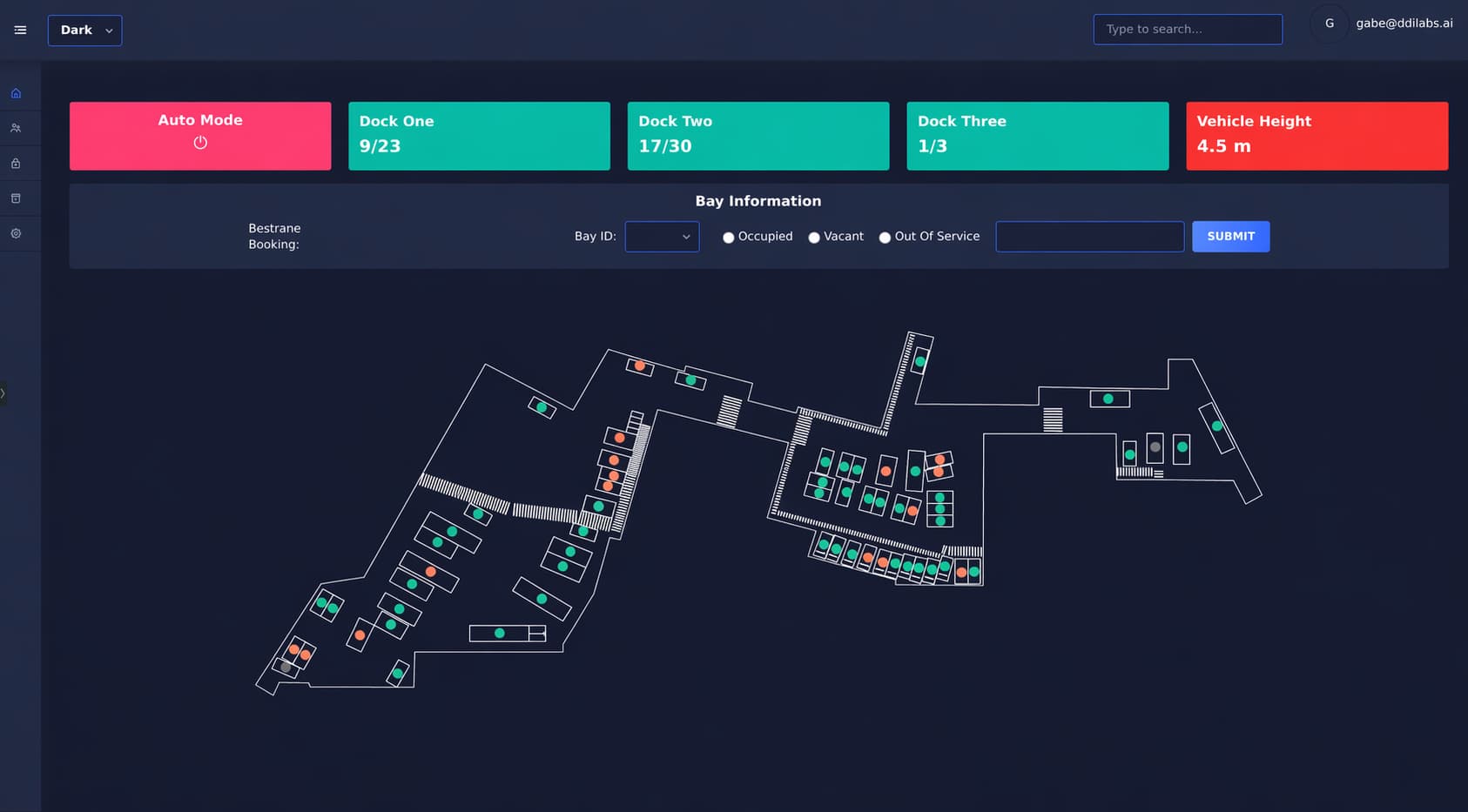
Every bay, every vehicle, every dwell timer, in one place. Dockmasters stop running the radio and start running the dock.
- Live bay status — occupied, overstay, empty
- Dwell timer per vehicle, colour-coded by SLA
- Gate queue view so you know what's coming before it arrives
- Portfolio view for multi-site property teams
Docks · 01–08
LiveGate event log
Booked · allow
Booked · allow
No booking · hold
Booked · allow
LPR-driven gate access
Booked vehicles roll through. Unbooked ones get held and flagged to the dockmaster. No boom controller button-mashing, no security chase-downs.
- Plate read at the gate matched against today's bookings in under a second
- Automatic boom gate trigger for allowlisted vehicles
- Unknown plate → dockmaster notified with vehicle image for a call
- Full gate event log with every arrival, plate, carrier, and decision
Driver self check-in
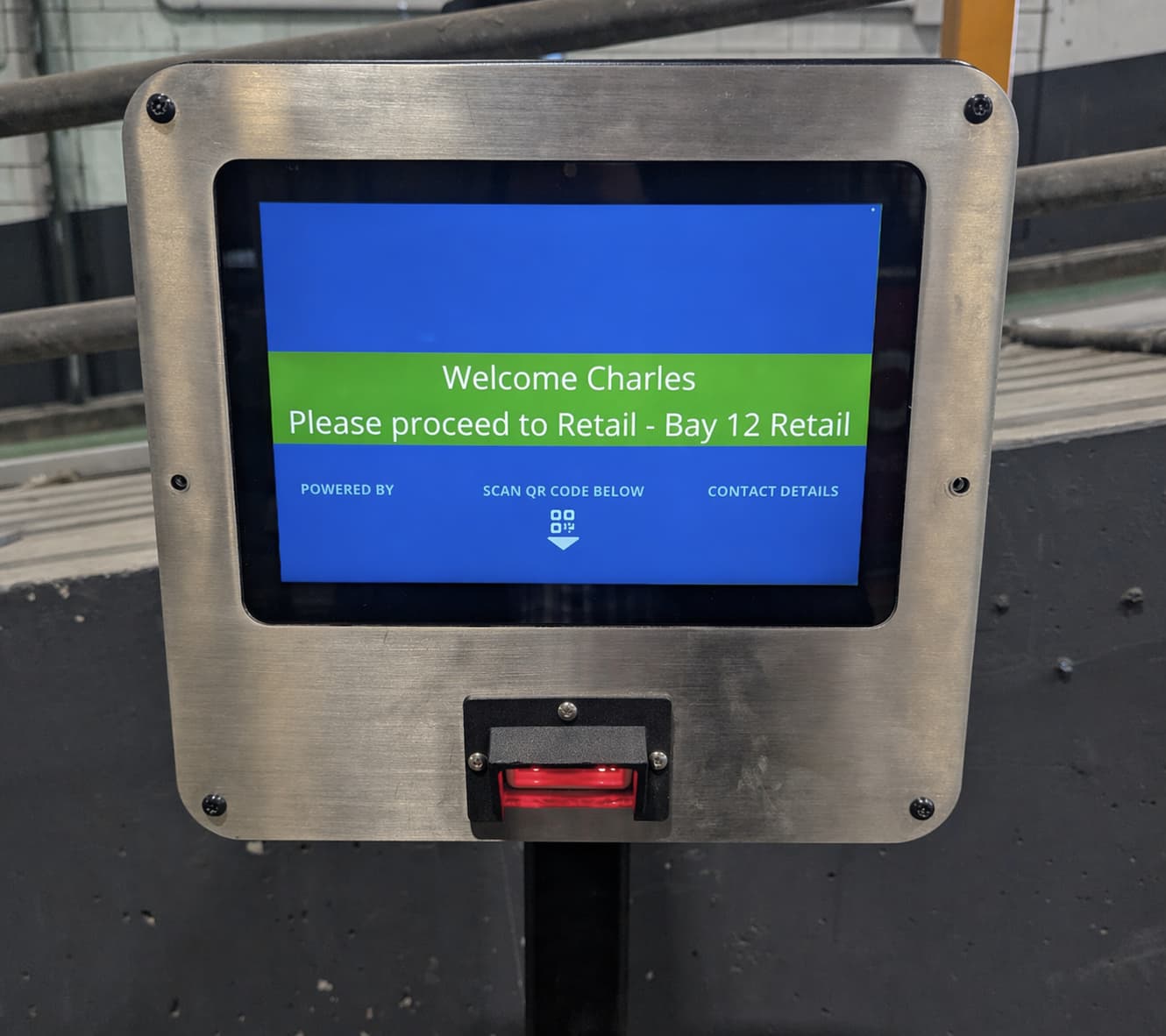
Drivers get a QR code when they book. They scan it at the gate tablet to arrive the booking — or they don't get out at all, and LPR does the check-in from the plate as they roll up, windows up.
- QR scan at the gate kiosk — driver confirms booking, tablet assigns the bay
- LPR fallback — plate match arrives the booking without the driver getting out
- Bay assignment shown on the kiosk the moment the driver checks in
- Escalates to the dockmaster only when something's off — wrong plate, no booking, out of window
Tomorrow · Dock 03
Booked
18
Open slots
4
Conflicts
1
Plugs into your booking partner
DockSense doesn't replace your booking system — it runs alongside it. Bookings made in your WMS, TMS, or dedicated booking platform flow into DockSense, and every dock event flows back out.
- REST API and webhooks for bookings, arrivals, bay assignments, and exits
- Pre-built integrations with common WMS, TMS, and booking partners
- Dock events flow back into your system of record automatically
- No booking partner yet? We'll point you at ones we already integrate with
Dwell, overstay & no-show alerts
DockSense tracks dwell on every bay and raises the flag the moment something breaks the SLA — before a tenant has to call and complain.
- Dwell timer per bay with configurable SLA thresholds
- Overstay alert to dockmaster, carrier, and booking owner
- No-show detection — window closes, bay re-opens automatically
- Email, SMS, or webhook notifications per severity
Active alerts
QLD-7742 · Dock 07
34m over SLA · booked for 30m
TMP-0099 · Gate 1
No booking · held at gate for dockmaster
No-show · booking #42814
Bay 02 re-opened automatically
Event log · today
An audit log that writes itself
Every gate event, bay assignment, and departure is logged with plate, timestamp, and evidence image. When a tenant asks "which truck was on bay 4 at 10:14?", you have the answer in three clicks.
- Immutable event log per bay, per vehicle, per booking
- Vehicle and gate images captured automatically
- Exportable as CSV, or streamed via webhook to your SIEM / BI
- Role-based access — tenants see only their own events
Four moments. One source of truth.
DockSense watches every part of the delivery — from booking to departure — and records it once, consistently.
Book
Tenant or carrier books a slot. Rules and capacity are enforced upfront.
Arrive
LPR reads the plate at the gate, matches the booking, opens the boom.
Check in
Driver confirms on their phone. A bay is assigned and sent by SMS.
Log
Exit is tracked automatically. The event log is audit-ready.
We replaced a manual clipboard process with real-time dock visibility in four weeks. The payback on manual hours alone covered year one.
Property Manager
JLL Barangaroo South
Built for sites where docks are the bottleneck
Commercial property
Single-dock, multi-tenant towers where tenants run their own deliveries and the property team owns gate access.
3PL & distribution
High-volume docks where dockmaster radio traffic is the bottleneck on throughput.
Retail distribution centres
Inbound DCs with tight SLAs on carrier dwell time and strict access rules for temperature-controlled bays.
Manufacturing & FMCG
Sites juggling raw-material inbound and finished-goods outbound on the same dock lanes.
Freight terminals
Docks with many carriers, many bays, and a live hand-off between gate security and dock ops.
Multi-site portfolios
Property and operations leaders running the same dock playbook across 5, 20, or 100 sites.
Live in weeks. Runs on the cameras you already have.
Reuse existing cameras
Works with your Axis or IP cameras at the gate and dock. No rip-and-replace.
2–4 week deployment
Camera audit, gate flow config, tenant onboarding — then live.
Tenant & carrier-friendly
Self-serve booking and QR check-in. Nobody has to install anything.
Reports property teams actually use
Dock utilisation, dwell time, tenant activity — exported or streamed.
DockSense in production
See how property and operations teams use DockSense to automate dock access, bookings and vehicle visibility across busy precincts.
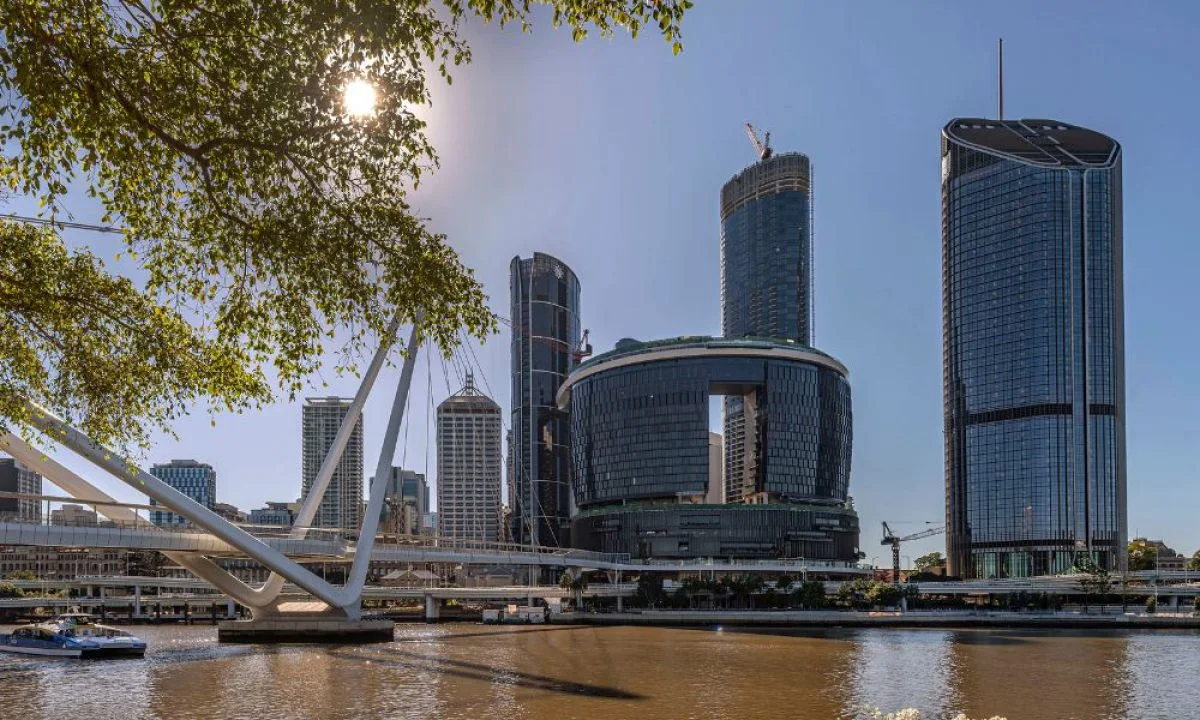

The Star Queen's Wharf
In partnership with MobileDOCK
How DDI Labs enabled licence plate recognition, real-time monitoring and automated access control around MobileDOCK for The Star Queen's Wharf's constrained CBD dock environment.
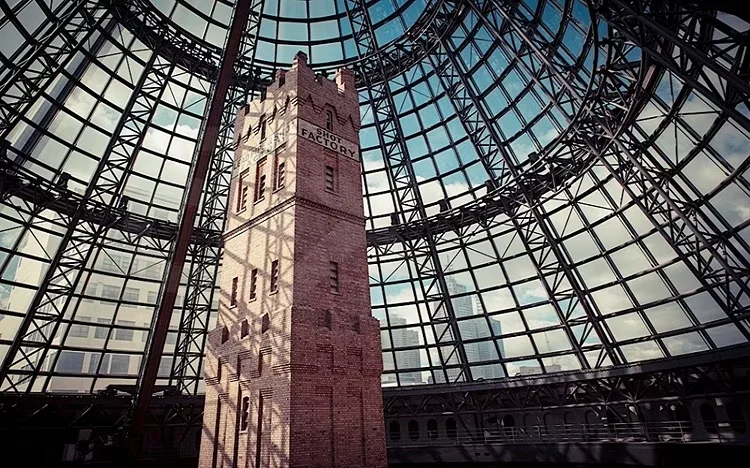

Melbourne Central, The GPT Group
In partnership with Veyor
How DockSense-style loading dock automation connected scheduled bookings, arrival visibility and operational controls for Melbourne Central's shared CBD dock, with Veyor as the booking partner.
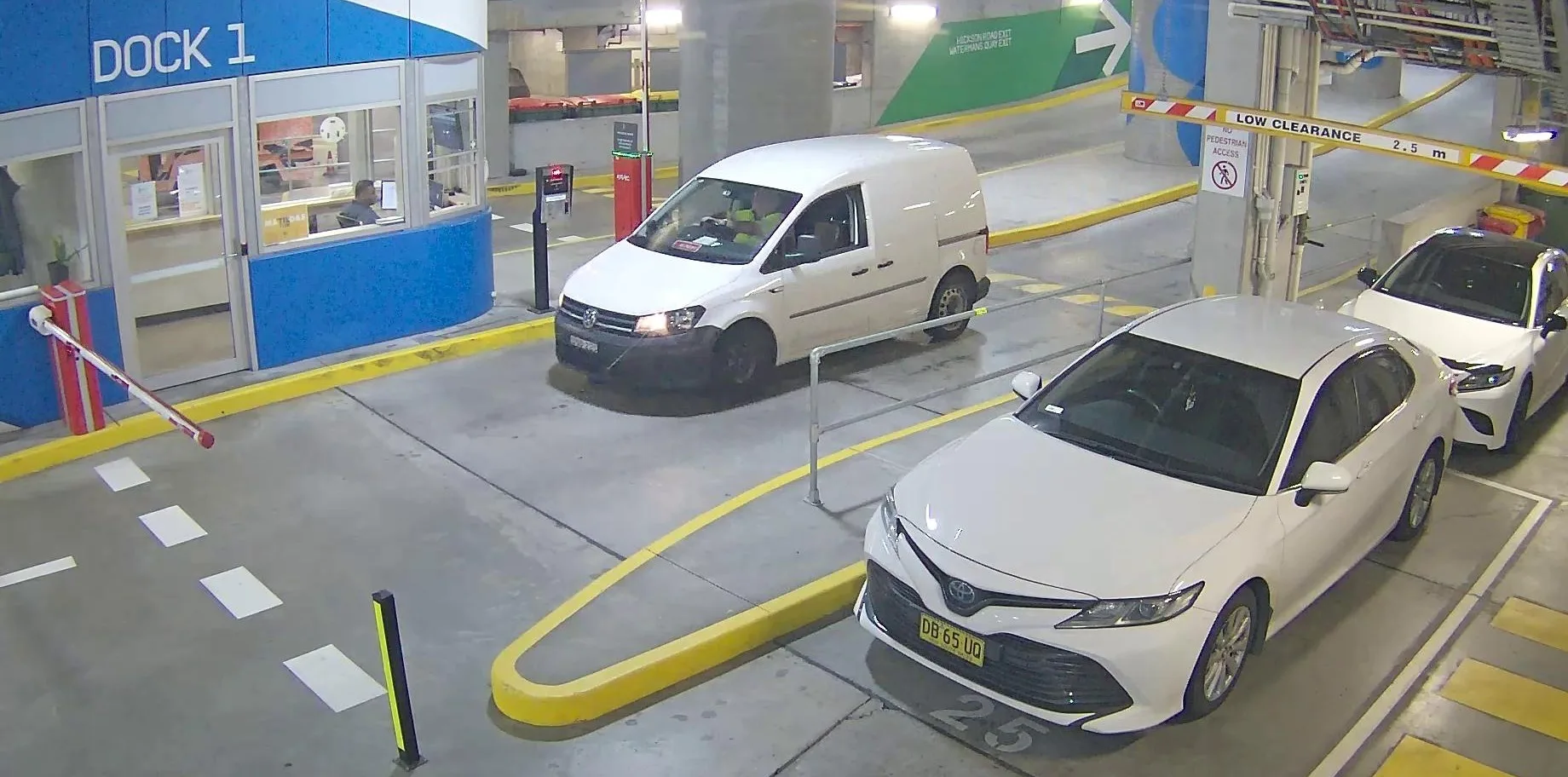

JLL International Towers Barangaroo
In partnership with JLL
How DockSense helped JLL automate valid bookings, reduce manual dock checks and improve operational visibility across a high-volume Sydney commercial precinct.
See DockSense running on your site
45 minutes. We walk your site, show you the live dock view, and explain exactly what changes for your dockmaster, tenants, and carriers.
Book a DemoFrequently asked questions
Ready to Start Your Automation Journey?
Our team is ready to discuss how our AI solutions can address your specific business challenges.
sales@ddilabs.ai
Location
Sydney, Melbourne, Brisbane